




Tool training
Make your teams autonomous on each of their tools
Train your teams on the A/B testing, personalization, analytics and consent tools that Welyft deploys for its clients, using your own account and real-world cases.
























The need
What you tell us
« I want my teams to master the tools we pay for: launching a test, reading a report, configuring a consent banner without waiting on a vendor. »
- « I want to train my teams on Kameleoon / AB Tasty »
- « My teams are underusing our tools »
- « I want to train new hires »
- « I want to reduce my dependence on a service provider »
Our response
- One training session per tool, on your account
- Modules by profile: business, analyst, technical
- Real cases from your backlog handled in session
Tool training
Choisissez l'outil sur lequel former vos équipes
Welyft forme aux outils qu'elle déploie et opère chez ses clients, de l'A/B testing à l'analytics et au consentement. Chaque formation se déroule sur votre compte, avec vos cas réels.
 Formation ABTastyAgence certifiée
 Formation KameleoonAgence certifiée
 Formation VWOAgence partenaire
 Formation AlgoliaAgence certifiée
 Formation DataïadsAgence partenaire
 Formation Dynamic YieldAgence certifiée
 Formation InsiderAgence certifiée
 Formation KlaviyoAgence partenaire
 Formation OptimizelyAgence certifiée
 Formation Air360Agence certifiée
 Formation ContentsquareAgence certifiée
 Formation HotjarAgence partenaire
 Formation AddingwellAgence partenaire
 Formation AmplitudeAgence partenaire
 Formation Commanders ActAgence partenaire
 Formation Google AnalyticsOrganisme certifié Qualiopi
 Formation Google Tag ManagerOrganisme certifié Qualiopi
 Formation Looker StudioOrganisme certifié Qualiopi
 Formation MixpanelAgence partenaire
 Formation NetigateAgence certifiée
 Formation Piano AnalyticsAgence certifiée
 Formation AxeptioAgence partenaire
 Formation DidomiAgence certifiée
 Formation OneTrustAgence partenaire
 Formation BazaarvoiceAgence partenaire
 Formation SemrushOrganisme certifié Qualiopi
Method
Our method in 5 steps
Our stance
Trained by those who operate
Our trainers are the consultants who deploy and operate these tools for our clients every day.
- On your account
- Real-world cases
- OPCO coverage
Step 01 : Scoping
Discussion on your tools, teams and their skill level to choose the modules and format of each training.
- Current tools and usages
- Profiles and levels to train
- Objectives by team
- Format and schedule
Step 02 : Program
Building a program by tool and by profile, with practical cases drawn from your backlog and your user journeys.
- Modules by tool
- Journey by profile
- Practical use cases on your journeys
- Welyft materials and checklists
Step 03 : Sessions
In-person or remote training, directly on your account: demonstration, hands-on practice, then case study.
- In-person or remote
- Hands-on work on your instance
- Alternating demonstration and practice
- Business questions handled live
Step 04 : Workshop
A real case built end-to-end with your teams, through to reading the results or going into production.
- Real case from your backlog
- From setup to analysis
- Best practices and pitfalls
- Assessment of skills acquired
Step 05 : Tracking
Q&A session after the training and materials provided to embed the learnings into your routines.
- Q&A after the training
- Materials handed over to teams
- Training certificate
- Personalized follow-up plan
Deliverables
What you get
Program by tool
Modules selected according to your usages and profiles.
Training material
Welyft slides and practical sheets, with our checklists.
Workshop on your use cases
A real case handled during the session.
Certification and follow-up
Training certificate and Q&A session.
Who is it for?
Who is this offer for?
Tools used
- Kameleoon
- AB Tasty
- Optimizely
- Dynamic Yield
- Contentsquare
- Didomi
- CRO, e-commerce, product, data or legal teams using a partner tool
- Teams that have just deployed a tool or onboarded new profiles
- Sponsor: Head of E-com, CRO Manager, DPO, Training HR
To go further
Articles by our experts related to this offer.
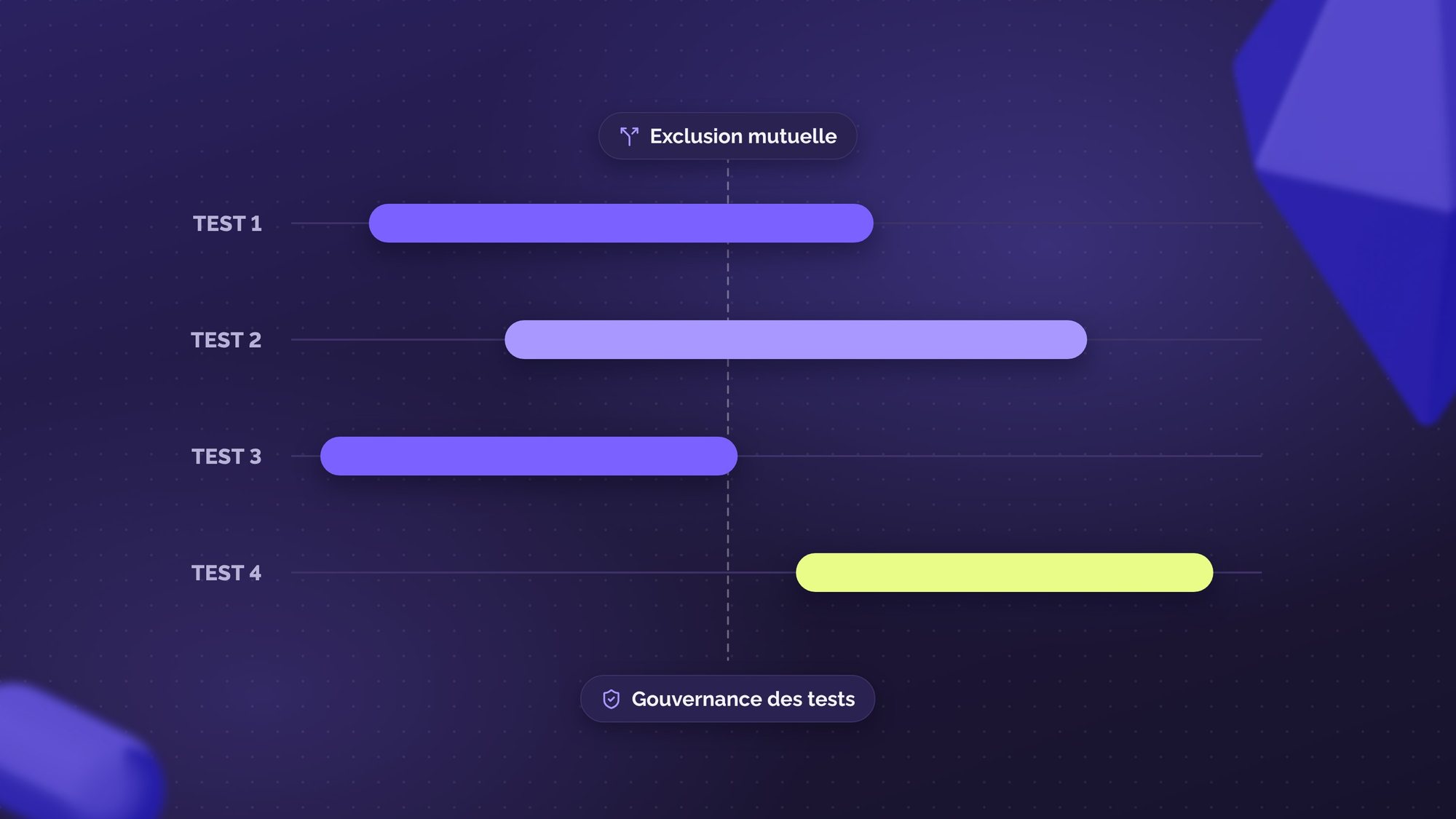
How to parallelize your A/B tests?
The secret to growth isn't the single A/B test but parallelization governed by impeccable governance.
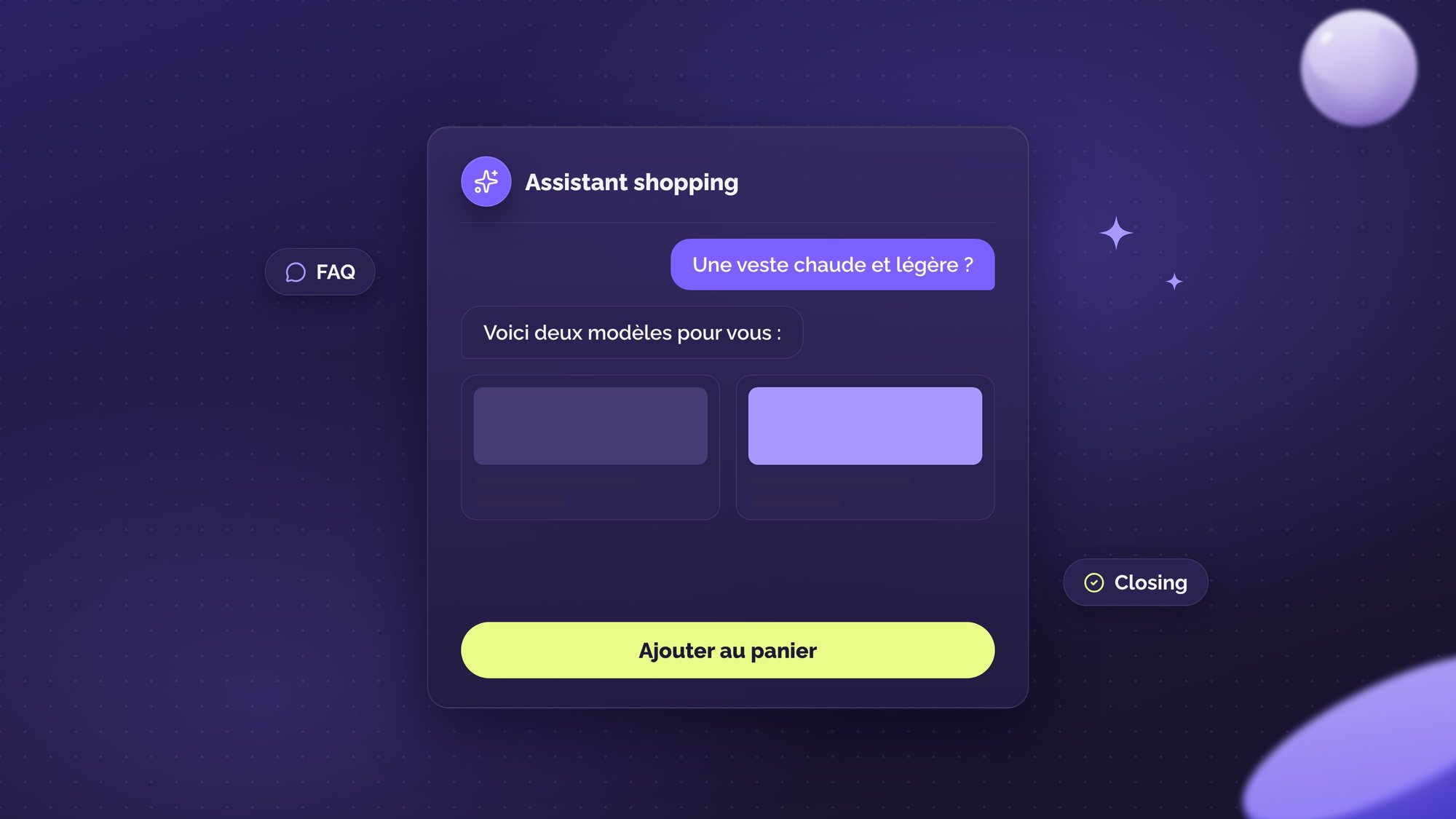
From simple FAQ to closing: how conversational commerce turns visitors into engaged buyers?
Faced with the paradox of choice, e-commerce is using generative AI to advise customers and thereby boost conversions.
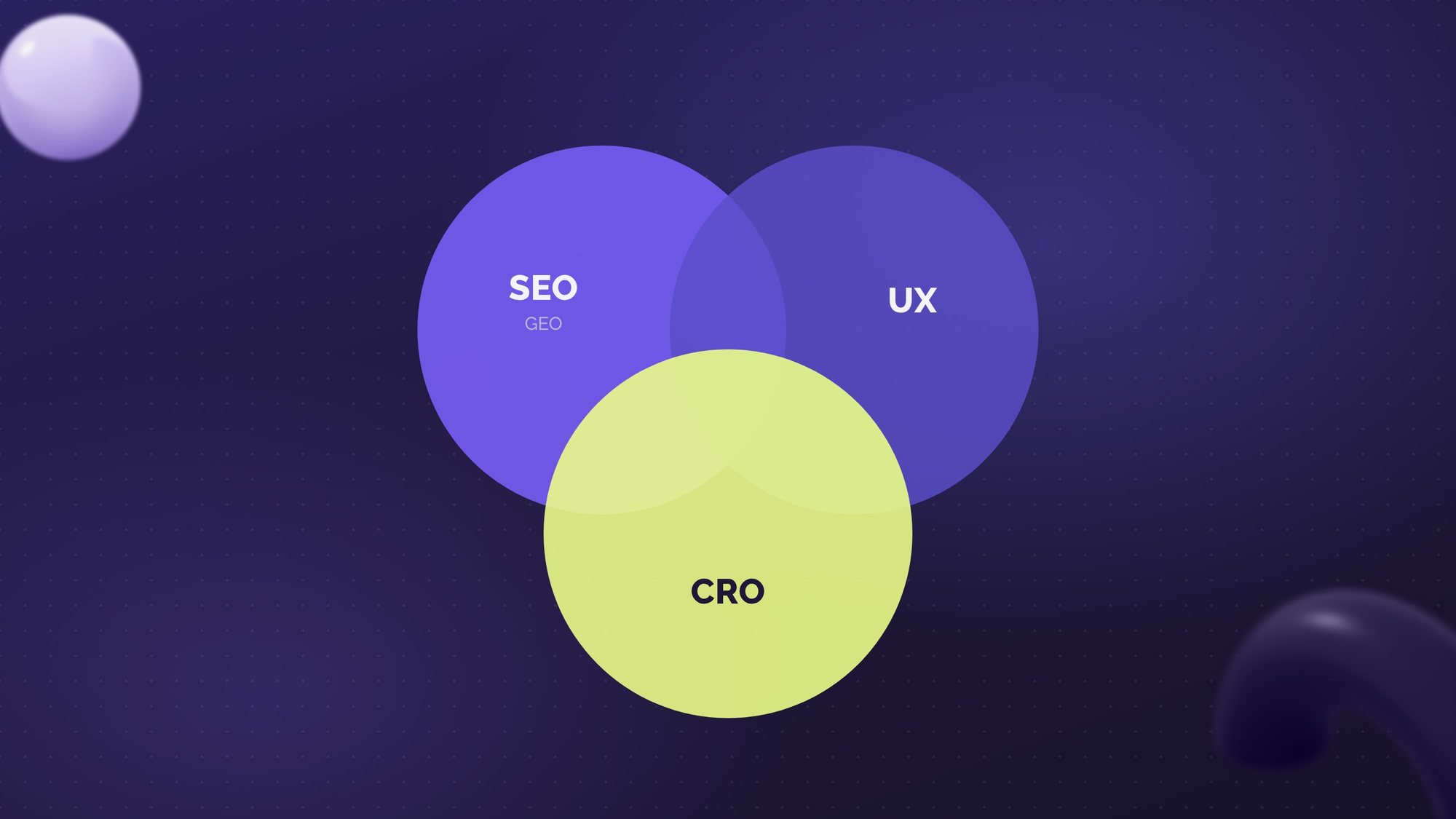
How can UX (and CRO) impact your SEO (GEO)?
UX directly influences your SEO and your visibility in generative AI: behavioral signals, readability, ...
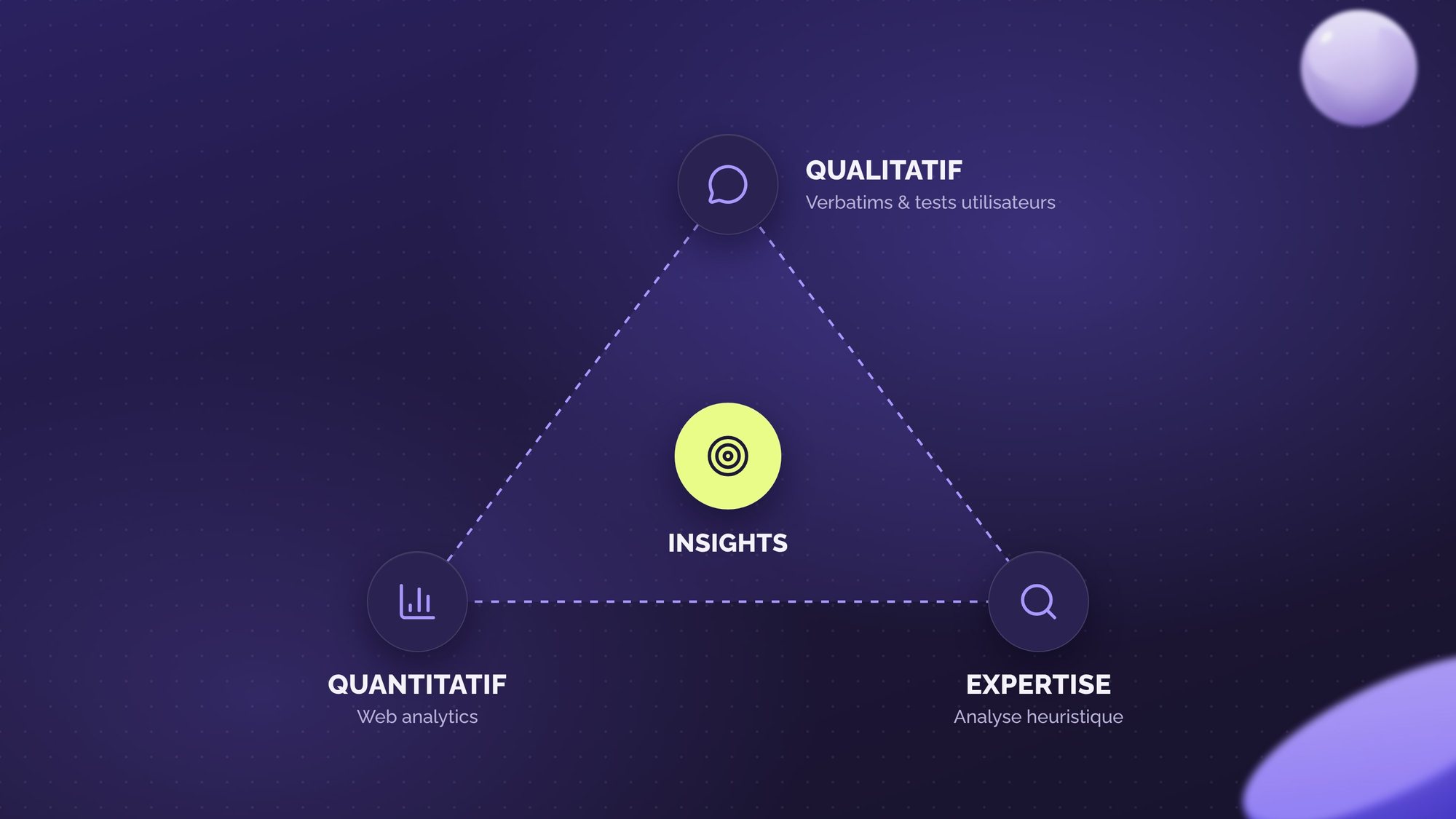
Qualitative and quantitative analysis, how to choose?
Quanti or quali? Leverage both types of analysis to improve UX and boost your CRO strategy!
How to find the best CRO agency in 2026?
Finding a CRO agency suited to your needs can be a challenge. This article guides you through the process
What are the success KPIs of a CRO program?
An experimentation program is not just a succession of A/B tests launched in the hope that an uplift will appear.
Opinion piece: Omnichannel and CRO: A natural synergy?
Omnichannel has become a major challenge for brands seeking to optimise their customer experience. In a previous
CRO Maturity Audit: Methodology and Process
A CRO maturity audit assesses an organization's ability to optimize its performance through method

To go further
Often associated with
Experimentation
CRO & Experimentation Program
Turn your visits into measurable growth
- AB Tasty
- Kameleoon
- Dynamic Yield
- and 3 other tools
Other Training offers
View the Training pillar